The short answer: does a cobot need guarding?
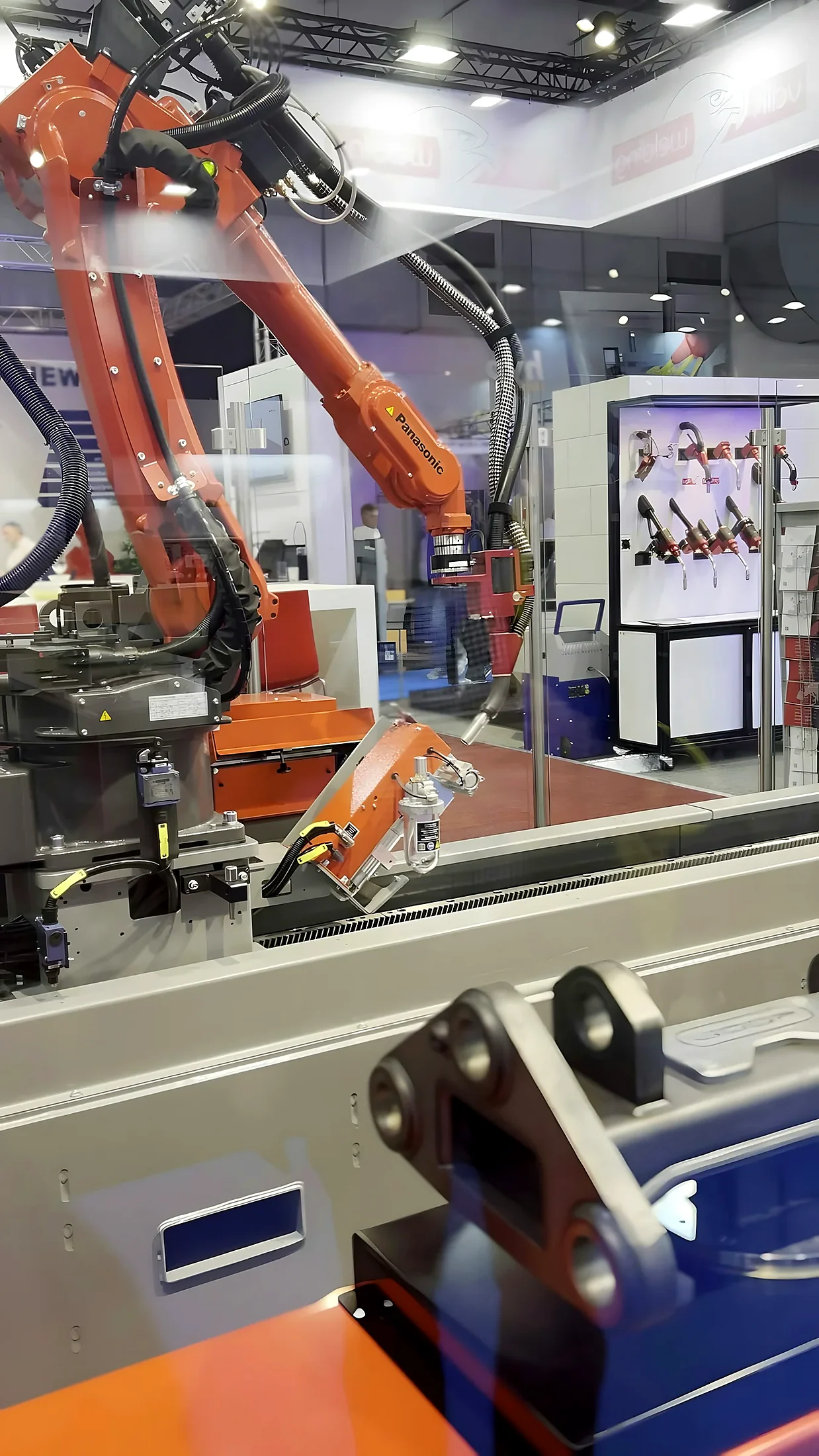
A cobot may need guarding whenever the complete application presents a risk that cannot be reduced adequately by the collaborative design and safety functions alone. The word “cobot” describes a robot intended for collaborative use; it does not certify every task performed with it as safe.
Consider two systems using the same arm. One transfers a lightweight foam insert at low speed. The other carries a sharp metal component into a powered fixture. The robot hardware may be identical, but the tooling, workpiece, trapping points and operating sequence create very different risk profiles.
The robot is only one part of the application. Assess the arm, end effector, payload, process, fixtures, connected machines, surroundings and every human task together.
What “collaborative” actually means
Collaborative operation is a defined operating concept in which a robot system and people can share a safeguarded or collaborative workspace under specified conditions. It does not mean unrestricted access at every speed, with every tool or during every mode.
Common collaborative methods include safety-rated monitored stop, hand guiding, speed and separation monitoring, and power and force limiting. A project may use one or more methods, and it can combine them with physical guarding. For example, a fixed screen may remove access to a sharp tool while a scanner monitors the open loading side.
Why built-in robot functions are not the whole solution
The arm can limit speed or torque, but it may not control the hazards created by:
- a sharp, hot or rotating end effector;
- a heavy, unstable or fragile payload;
- crushing between the robot and a bench, wall or fixture;
- ejected parts, swarf, welding arc, sparks or process fumes;
- a conveyor, machine tool, press or positioner inside the cell; or
- unexpected movement during recovery, changeover or maintenance.
Risk assessment for a cobot application
A useful risk assessment follows the machine through its whole lifecycle and considers intended use plus reasonably foreseeable misuse. It should not stop at the automatic production cycle. Teaching, initial setup, clearing faults and maintenance often put people closer to hazards and can require different protective measures.
1. Define the application limits
Record the robot, controller, end effector, payload, fixtures, connected equipment, operating speeds, programme limits, intended users, environment and expected changes. Clearly identify where the application begins and ends.
2. Identify human tasks and access
Map normal loading, unloading, replenishment, inspection, changeover, tool change, teaching, recovery, cleaning and maintenance. For each task, establish where the person stands, what movement is possible and what must be stopped or isolated.
3. Identify hazards in each mode
Look beyond robot impact. Review trapping, shearing, puncture, ejection, heat, electricity, pressure, stored energy, hazardous substances, ergonomic issues and process-specific hazards. Include hazards created by failure, dropped loads and foreseeable control faults.
4. Apply the risk-reduction hierarchy
Reduce risk by inherently safer design first, then engineering safeguards, then information and procedures for residual risk. A warning sign should not replace a practical guard, scanner or design change where one is reasonably achievable.
Physical cobot guarding options
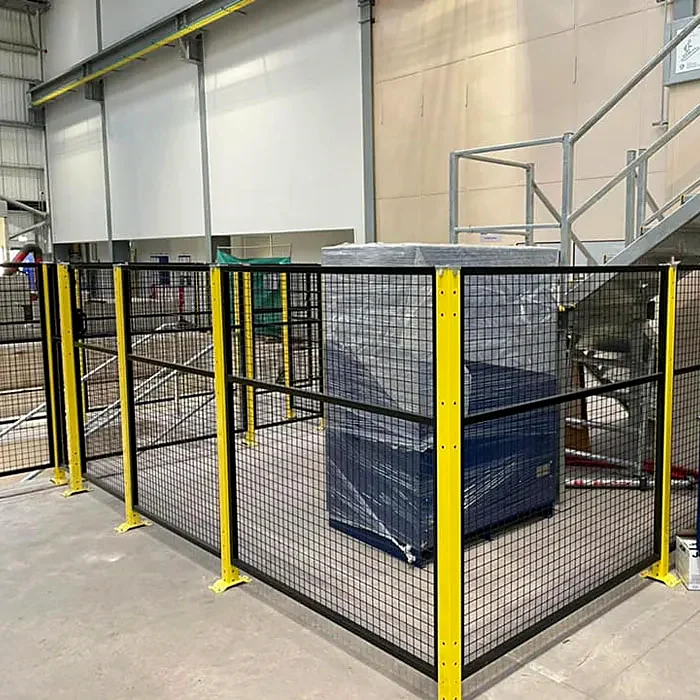
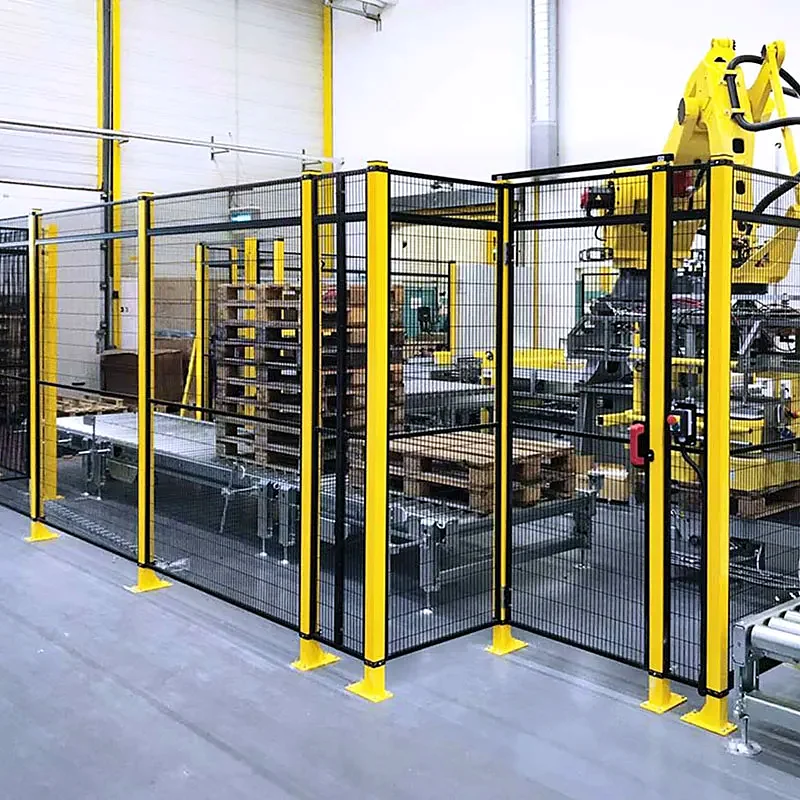
Physical guarding is often the most predictable way to remove access to a defined hazard. It can also guide people towards a monitored access point, contain process emissions and reduce the size or complexity of scanner fields.
| Measure | Where it helps | What still needs engineering |
|---|---|---|
| Fixed mesh panel | Robust separation with visibility and airflow | Height, openings, reach distance, fixing and removal |
| Polycarbonate screen | Visibility with improved containment | Impact, thickness, chemicals, scratching and ventilation |
| Solid enclosure | Welding, machining, noise or process containment | Heat, extraction, access, viewing and fire considerations |
| Interlocked door | Regular controlled entry to a safeguarded space | Stop time, locking, escape, reset and restart |
| Partial/local guard | Tool, fixture, trapping or transfer-point protection | Open boundaries, bypass, new pinch points and all modes |
Safety scanners and light curtains
Presence-sensing devices can maintain open access while initiating a slowdown or protective stop before a person reaches the hazard. Their success depends on reliable detection and enough distance for the complete system to respond and stop.
A laser scanner is useful for shaped floor fields and can often provide warning and protective zones. A light curtain creates a defined optical plane across an opening. Neither is automatically better: the approach direction, stopping time, space behind the device, environment and restart strategy determine suitability.
Compare power-and-force limiting with speed-and-separation monitoring
Use credible total response and stopping data, the applicable positioning method and the real approach geometry. Recheck the result after changes to speed, payload, tooling, programme or device configuration.
Interlocks, reset and restart
Opening a guard or interrupting a protective field should cause the defined safety-related response. What follows matters just as much. Closing the door or clearing the scanner should not by itself initiate hazardous movement.
Where a person can enter or remain inside the safeguarded space, the design should support deliberate reset from a position with a clear view, then require a separate restart command. Additional measures can be necessary where full visibility is not possible.
UK legislation and standards
For work equipment in Great Britain, PUWER 1998 is a central user obligation. New machinery and substantial modifications can also engage product-supply and conformity-assessment duties. The precise legal route depends on the project, supply chain and scope of change.
Commonly relevant standards include ISO 12100 for risk assessment, ISO 10218-1 and ISO 10218-2 for industrial robots and robot applications, ISO/TS 15066 for collaborative operation, ISO 13849-1 or IEC 62061 for safety-related control systems, ISO 13855 for safeguard positioning, ISO 13857 for safety distances, ISO 14119 for interlocks and ISO 14120 for guards.
ISO published revised editions of ISO 10218-1 and ISO 10218-2 in 2025. ISO/TS 15066:2016 remains published at the time of this guide, with replacement work under development. Confirm current British adoptions, designated-standard status and project-specific applicability before relying on a reference.
Check the HSE PUWER overview and the official ISO records for ISO 10218-1:2025, ISO 10218-2:2025 and ISO/TS 15066:2016. Standards access, UK adoption and project applicability should be confirmed for the work being undertaken.
Verification, validation and handover
Verification asks whether the design was implemented correctly. Validation asks whether the implemented safety functions and measures achieve the intended risk reduction in the real application. Both need defined requirements and suitable evidence.
A proportionate validation plan can include hardware inspection, safety-distance checks, control-system evidence, device actuation tests, stop and reset behaviour, fault response, mode selection, prevention of unexpected restart and recorded results. Outstanding actions and project boundaries should be visible at handover.
How to brief a cobot guarding supplier
Provide the robot make and model, end effector, payload, process description, target rate, programmed speeds, layout, access tasks, connected equipment and project stage. Photographs and drawings help, but a site survey is often the most efficient way to resolve visibility, services, floor space and operator behaviour.
Also explain what you want the supplier to own: mechanical guarding only, protective devices, safety control design, installation, validation, documentation or a complete integrated work package. Clear boundaries prevent gaps between the robot integrator, guarding supplier and end user.
For task-specific planning, see our guides to cobot palletising safety, machine tending guarding and cobot welding enclosures.
Cobot guarding checklist
- Assess the complete application, not the robot arm alone.
- Include tooling, payload, fixtures, process and connected equipment.
- Map every person-task across automatic, teaching, recovery and maintenance modes.
- Use inherently safer design before relying on protective devices or procedures.
- Choose physical guarding, scanners, light curtains and interlocks as a coordinated system.
- Base protective distance on total response and stopping performance.
- Prevent reset alone from creating an unexpected restart.
- Define project responsibilities, evidence and handover documentation.
- Reassess after changes to tool, payload, speed, layout, programme or access.
Frequently asked questions
Cobot guarding is the combination of physical barriers, protective devices, access controls and safety-related control functions used to reduce risk in a collaborative robot application. It can range from one local screen to a fully enclosed and interlocked cell.
No. Where a cobot is work equipment used by employees in Great Britain, PUWER duties apply alongside other relevant machinery-safety obligations. Employers must ensure equipment is suitable, maintained and provided with effective measures to control access to dangerous parts.
Commonly referenced methods are safety-rated monitored stop, hand guiding, speed and separation monitoring, and power and force limiting. The current robot-safety standards and the actual application should be consulted when defining the method and associated measures.
Not automatically. Power-and-force limiting addresses certain contact hazards but does not inherently control sharp tools, hot surfaces, unstable payloads, ejected parts, crushing against fixed structures or hazards from connected machines.
Responsibilities depend on the supply and project structure. Robot manufacturer, integrator, machine builder, guarding supplier and end user can each hold different duties. The project should define who assesses, designs, integrates, validates, documents and controls later modifications.